How do I start?
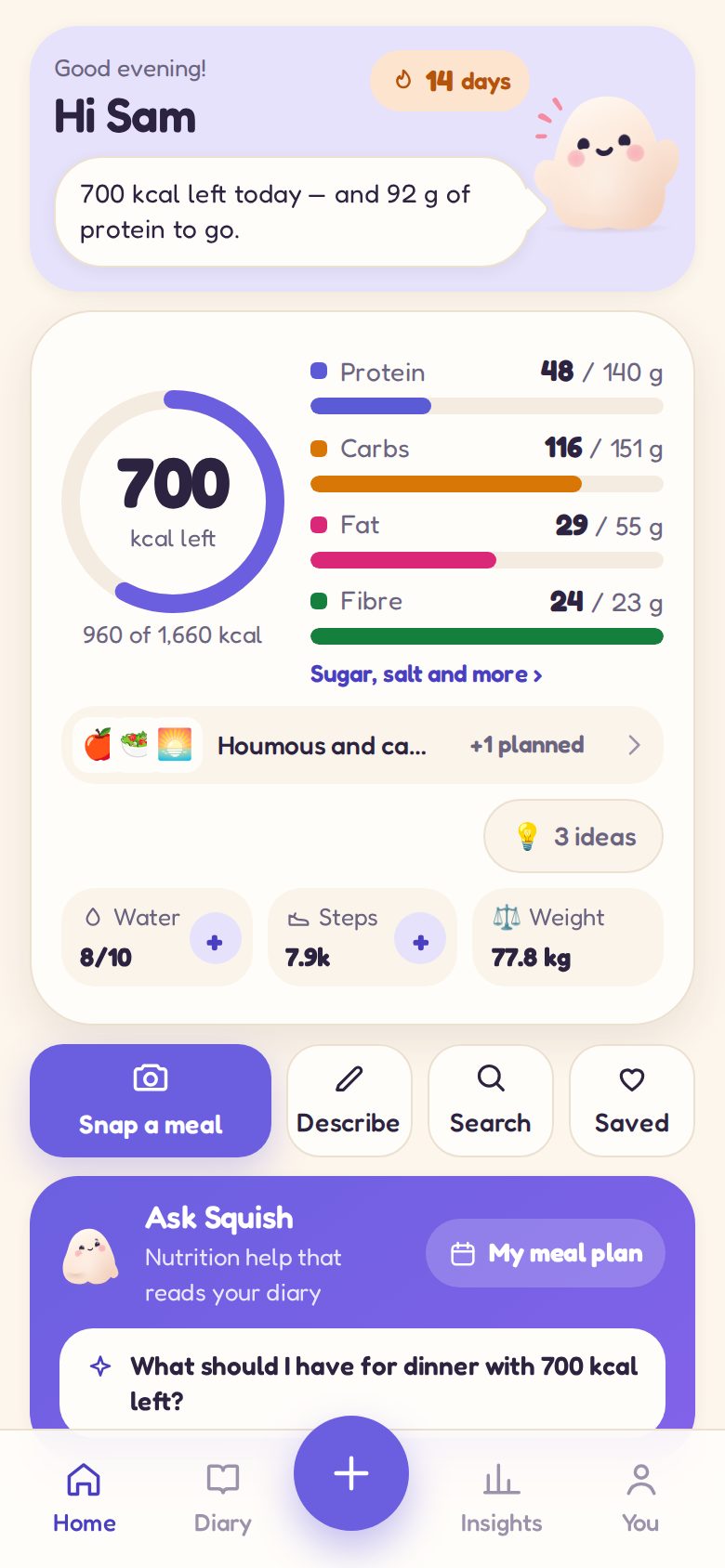
Open app.squish.online in any browser, on your phone or your computer. It asks a few questions to set your targets, and you are away. On a phone, add it to your home screen and it opens like an app.
Do I need an account?
No. Your diary lives on your device. An account is for two things: moving to a new phone without starting again, and getting your diary back if this one is lost. Make one on the You screen whenever you like.
I have a new phone. How do I get my diary back?
Open Squish on the new phone and tap I already have an account on the welcome screen. Sign in, and your diary comes straight back.
I have forgotten my password
On the sign-in screen, tap I have forgotten my password and we will email you a link. It works for two hours. If it does not arrive in a few minutes, check your spam folder.
Squish used to be at squish.online. Where has my diary gone?
Squish moved to app.squish.online. Open squish.online in the same browser you used before and you will see a button that takes your diary with you. If you had an account, you can simply sign in at the new address instead.
How accurate are the photo estimates?
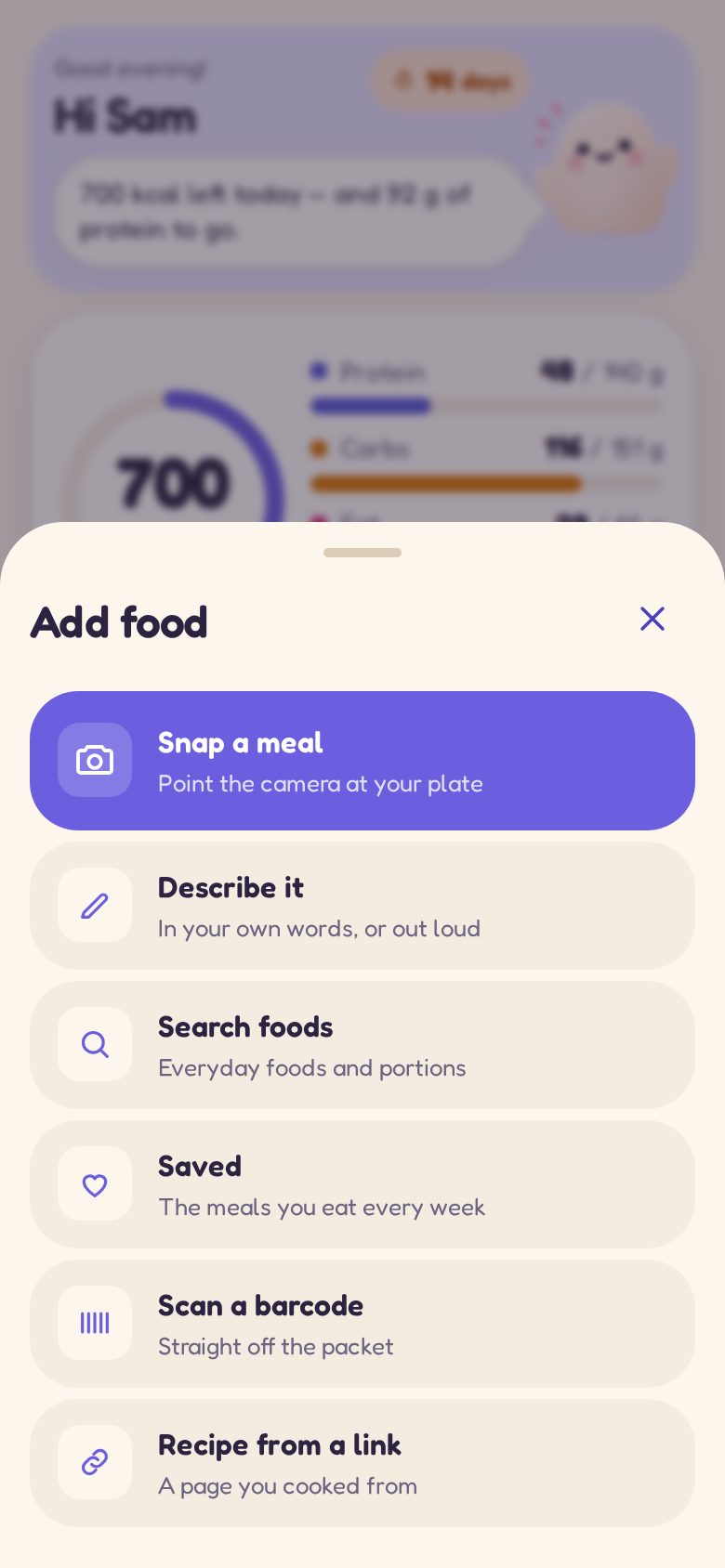
Close enough to guide your choices — they are estimates from a picture, not a laboratory. Squish shows you what it thinks is on the plate and how much, and you can change anything before you save it. For packaged food, scanning the barcode is the most exact.
What do I get with Squish Plus?
The AI, unlimited for your own eating under fair use: meal analyses by photo or description, Ask Squish for questions about your own diary and two weekly meal plans a week, recipe imports — and six wild finishes for Squish — rainbow, holographic, gold, chrome, candy and sunset — and things for Squish to wear, scenes for Home, and frames and stickers for share cards, including seasonal ones. Plus is £49.99 a year, with the first 3 days free, or £2.99 a week, and goes on sale with the iPhone and Android apps. Fair use means daily ceilings far past a real day — 40 analyses, 50 questions and 10 recipe imports — which reset at midnight; the terms say more. Everything you need to keep a diary stays free.
What is free?
Keeping your diary: logging meals by hand, searching for foods, scanning barcodes, your charts and streaks, reminders and export — for good. To see what the AI can do, a free account comes with 10 AI meal analyses and 5 questions for Squish to try. They are a one-off taste rather than a monthly allowance, because every analysis costs real money to run.
How do I invite a friend?
Open the You tab and tap Invite a friend, or share a progress card — your invite link goes with it. When your friend has made an account, confirmed their email and used Squish on three different days, you both get a month of Squish Plus. Already on Plus? The month is saved on the end of your Plus. You can earn up to twelve a year this way. You see how many friends joined, never who.
What is a squad?
Up to five friends who cheer each other on. Start one or join with a code on the You tab. Your squad sees your first name, your streak, whether you have logged today, your days this week, your badges and your Squish — never your food or your weight. You send each other cheers from a set list, and when everyone logs on five days in a week, you hit it together. You can leave a squad, or block someone, at any time: blocked people never see you or your cheers again.
When are the iPhone and Android apps coming?
Soon. They are being prepared for the App Store and Google Play. Your account works in both, so anything you log in the browser now comes with you.
How do I export or delete my data?
On the You screen: Export saves your whole diary as a file. Delete account removes your account and the copy on our server. Reset clears everything from your device too. The privacy policy explains exactly what is kept and why.
Is Squish medical advice?
No. Squish gives estimates and friendly encouragement to help you make choices. It is for adults, and it is not a substitute for a doctor or dietitian. If you have a medical condition, are pregnant, or have a history of disordered eating, please talk to your GP before tracking what you eat.
What do the colours on the quality scores mean?
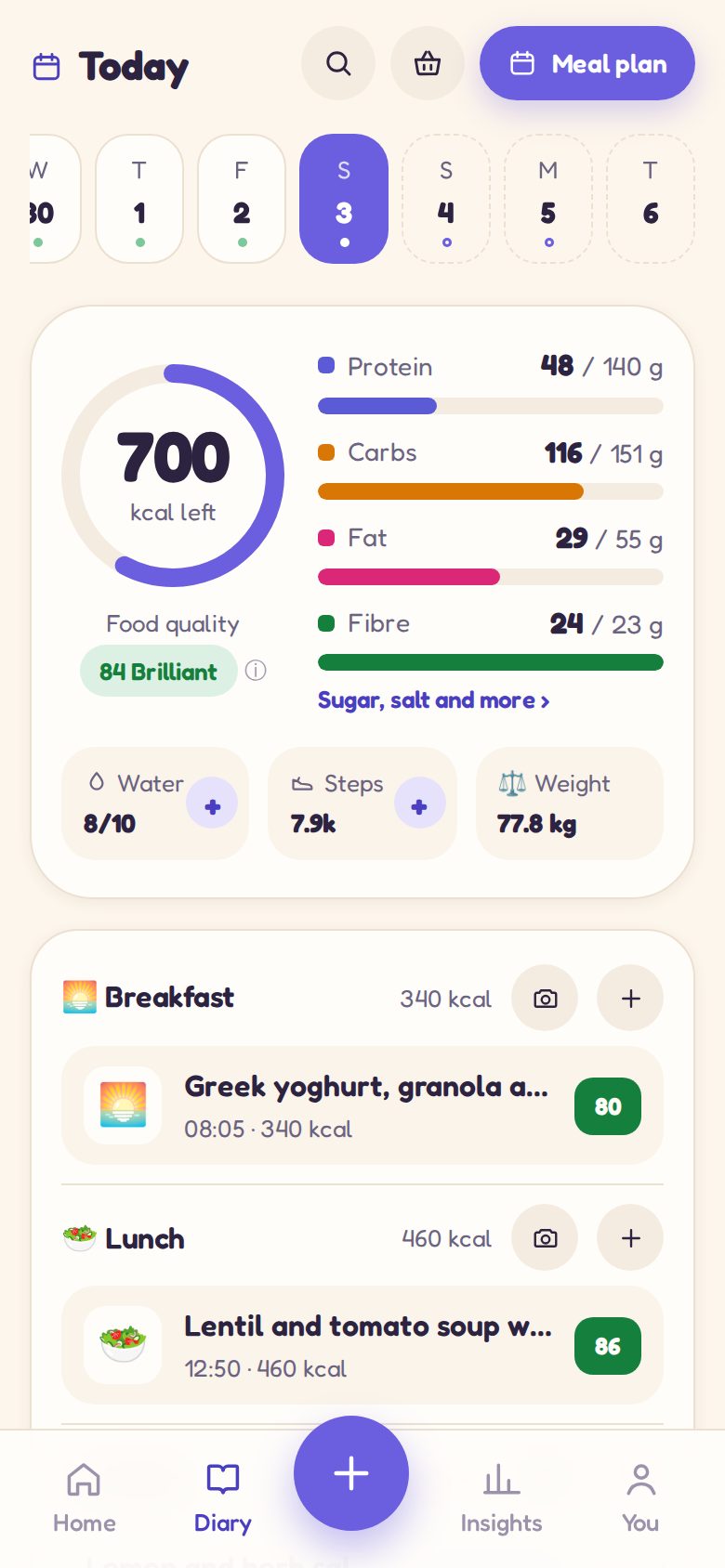
Every meal gets a food quality score out of 100, for what it is made of rather than how big it is. Green is brilliant (75 and up), pale green is balanced (55 to 74), amber is so-so (38 to 54), and pink has room to improve. Tap a meal to see what lifted or lowered it.
How do I change or clear Squish's meal plan?
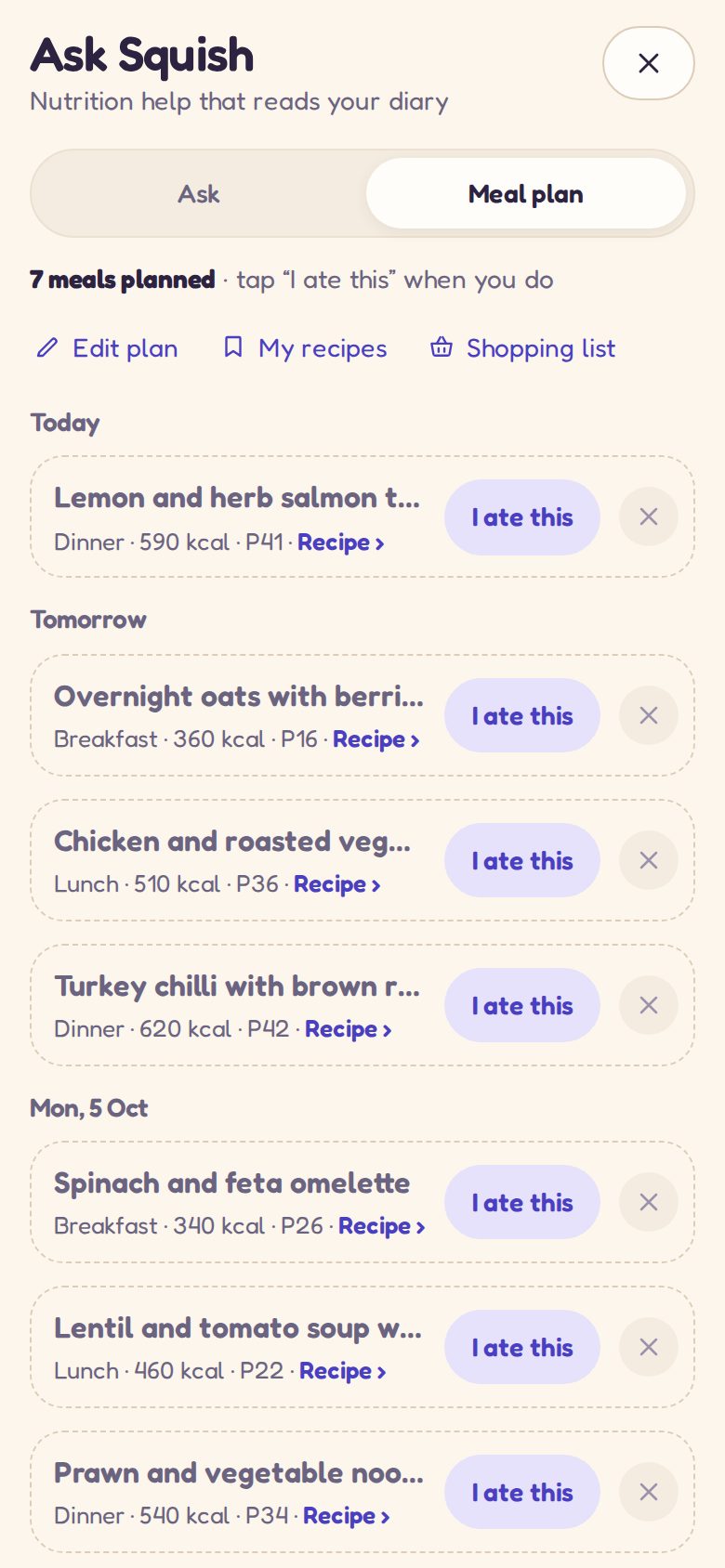
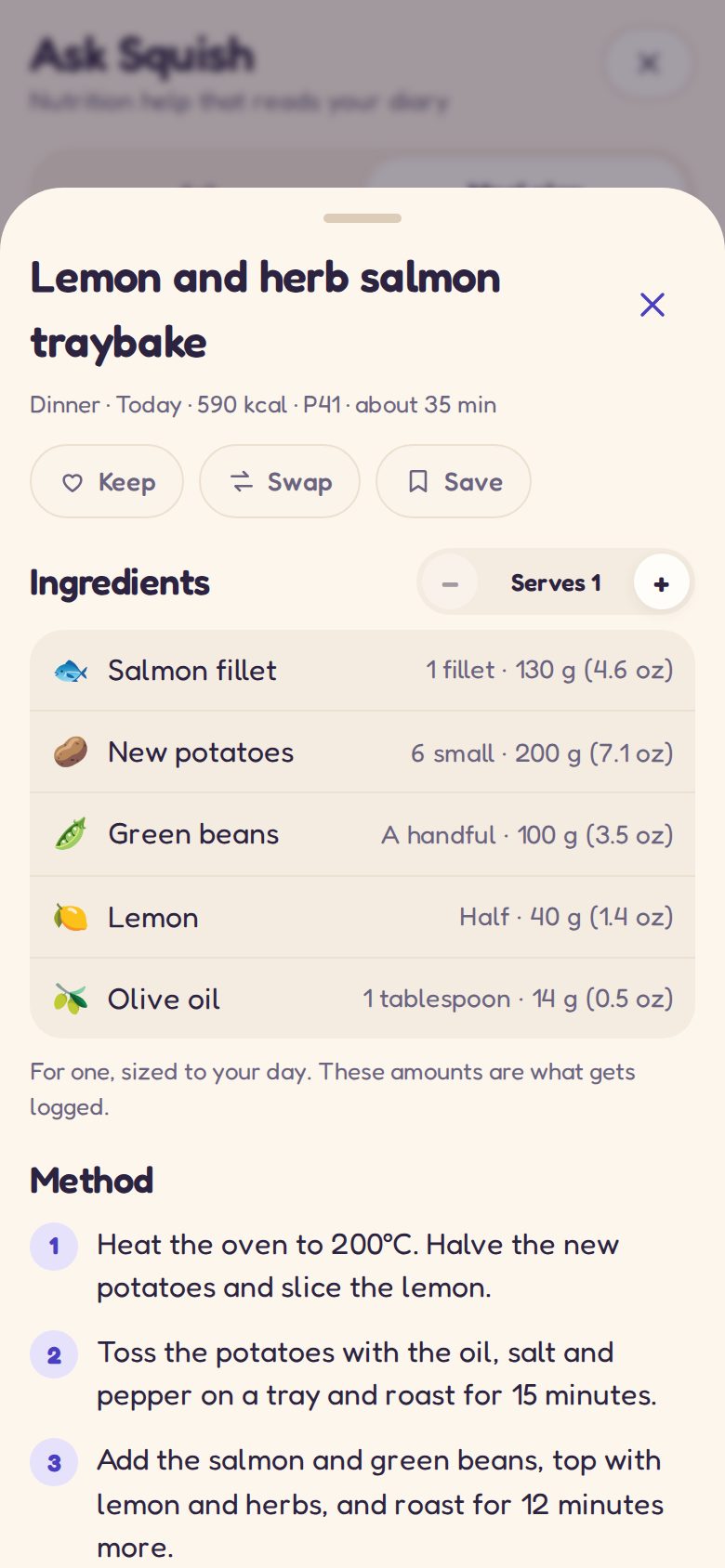
On Ask Squish → Meal plan: tap a meal for its recipe, then Keep to hold on to it for next week or Swap for another. Edit plan lets you pick meals to remove or clear a whole day, and Clear the plan removes the lot. Each comes with Undo.
Will the meal plan avoid my allergies?
Yes. Tell Squish when you set up, on You → Food and goals, or in the box when you plan your week — “nut allergy”, “no shellfish” — and it is never planned in, hidden ingredients included. Always check a label if an allergy is serious: Squish can be wrong.
What is Quick snap?
For when there is no time: one tap opens the camera, one tap takes the photo, and you can put your phone away. Squish reads it in the background and logs it for you to check later — it shows on Home and in the diary as “to check”. In the phone apps it is a widget; you can also try it from You → Quick snap.
Can I use Squish on more than one device?
Yes. Make a free account, sign in on each one, and your diary keeps itself up to date across them within a few seconds. Up to five devices can be signed in at once.